Your
Kitchen.
Your
Ingredients.
Our
Recipes.
PantryPal is the cooking partner you’ve always wanted by your side.
It meets you right where you are and takes you where you need to go.

Give it your selection of ingredients, and in return it will offer a scrumptious meal.
Eradicate Food Waste
According to the USDA, 35% of our food supply is wasted every year. How many times have you thrown good food away simply because you didn’t know how to use it?
Help People Cook
This is the reality: cooking is never easy. Online, there are thousands if not millions of recipes — but which ones work for you and your kitchen?
While anyone could derive value from PantryPal, we think that young, burgeoning cooks would find it the most helpful. For instance, a college student living in their first apartment likely needs help creating and executing recipes.
Also, we could see families loving this app. Large refrigerators can get pretty packed and a burst of inspiration from PantryPal could prove invaluable!

Before building the high-fidelity prototype, I explored multiple UX structures through wireframes.
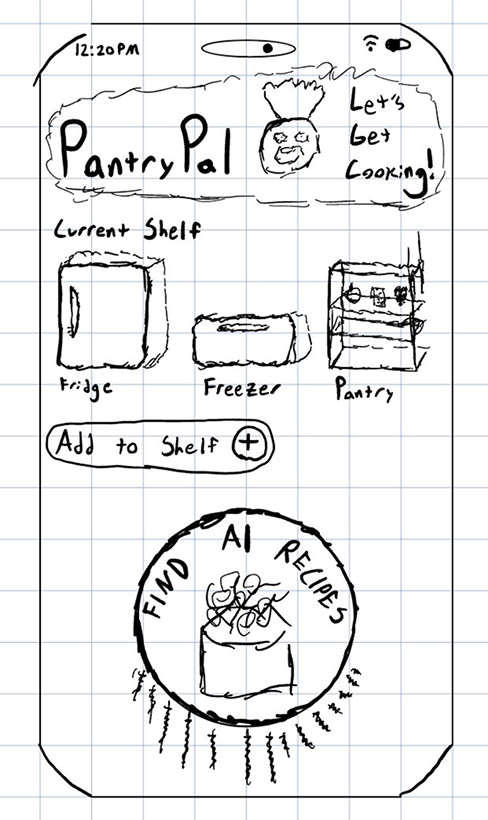
Idea #1
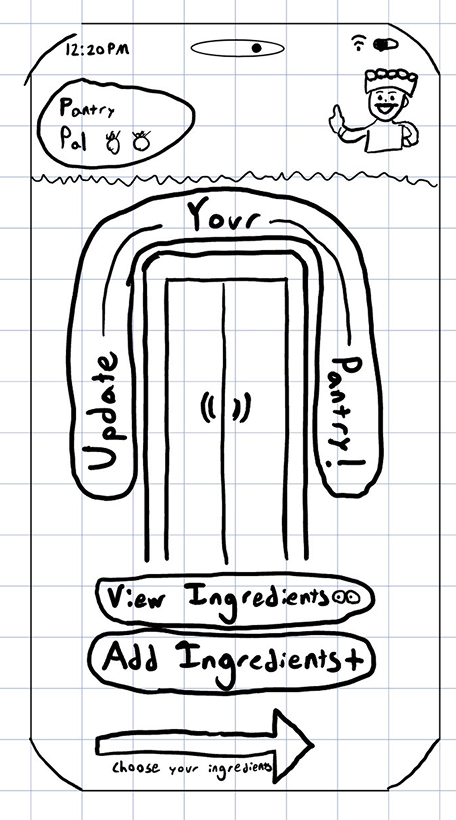
Idea #2
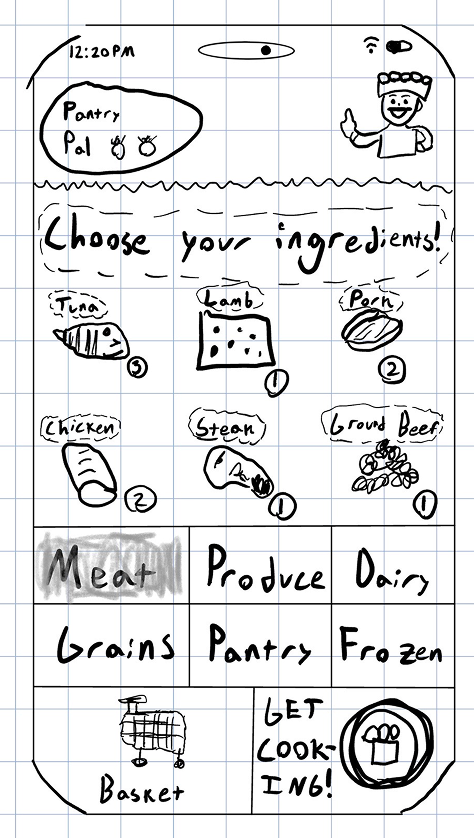
Idea #3

In my first iteration, I imagined a version of the app where ingredients were separated either into a fridge, freezer, or pantry. I ultimately decided that this was unnecessary categorization and led to excess clicks.
Second idea — I tried to create a portal where users could view and add ingredients before eventually selecting them to use. I quickly realized that this was also redundant UX since the same page would essentially be shown multiple times but with slightly differing purposes.

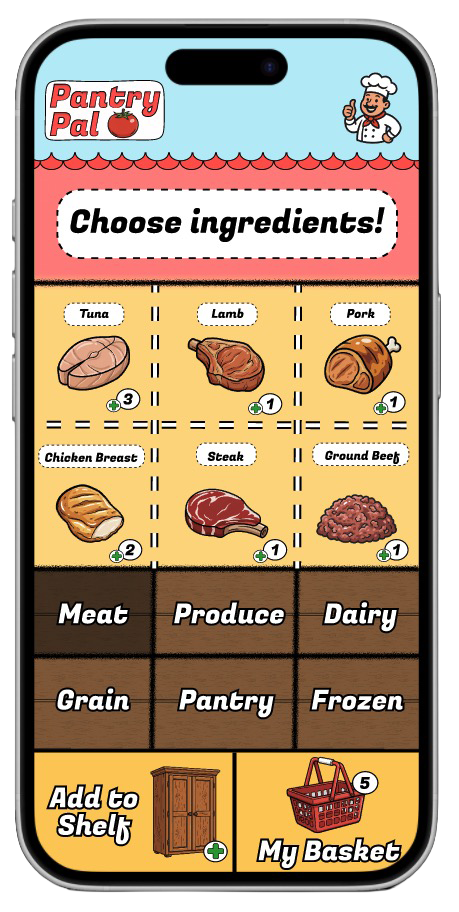
Finally, I decided to consolidate all the tasks of adding, viewing, and choosing ingredients into one page, decreasing any unnecessary friction. Also, I organized food by type instead of where they are typically stored.
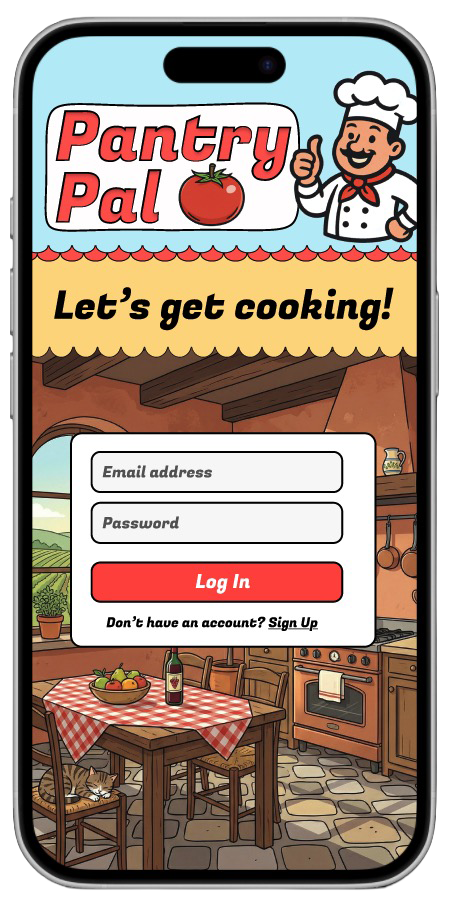
The very first page sets the tone of PantryPal: this is a fun, interactive app with the slogan “Let’s get cooking!” Here, users understand that they are entering an app that will help them cook. Ultimately, they will either decide to log-in or sign-up.
Log-in
This page allows users to see their database of ingredients and ultimately select which ones they would like to cook with. Here all the functionality is intertwined yet not overbearing: ingredients can be viewed, added, and selected all within the same screen.
Ingredients
Hub
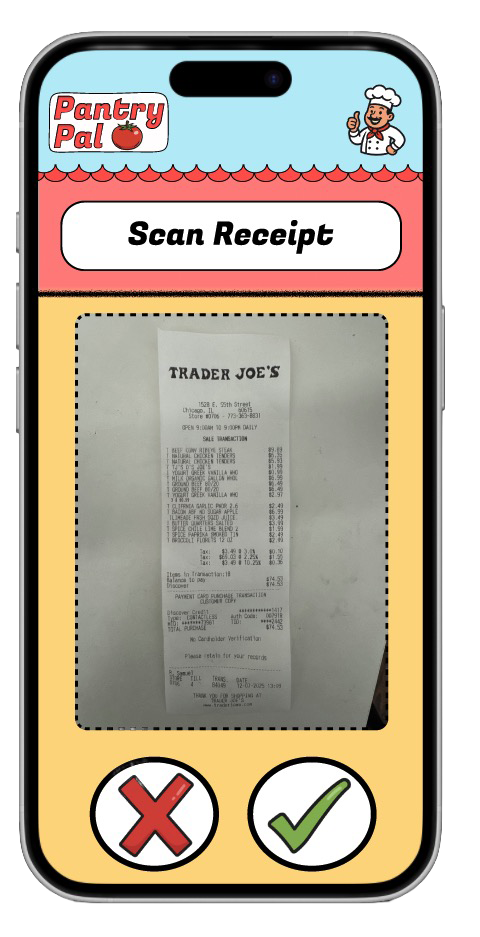
Under “Add to Shelf” from the previous page, users have three options: manually select ingredients, scan their fridge, or scan their shopping receipt. This way, the app will leverage the functionality of AI computer vision to save the user precious time.
AI-Scanner
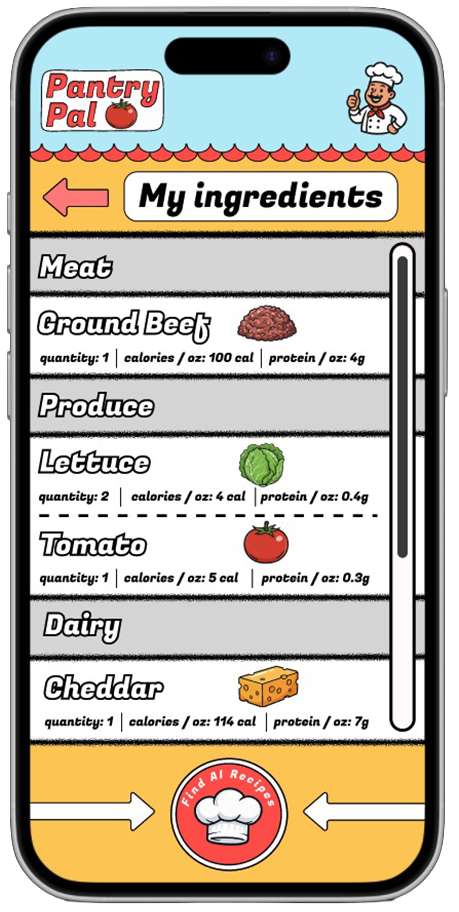
This is the ingredient selection checkout list. Users scroll through to ensure they’ve selected their desired ingredients then click the big red button to find recipes!
Ingredient
Checkout
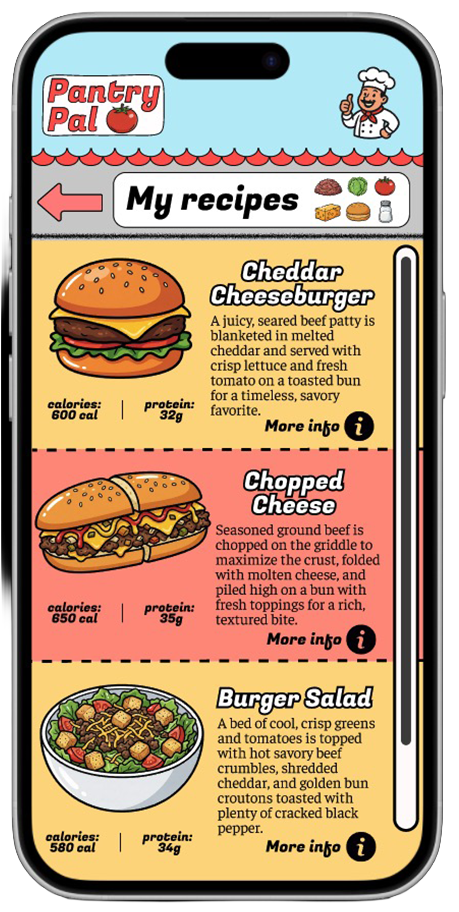
Users see the various meal options that the recipe generator cooked up. They get a glimpse of the nutrition facts and a brief run-down of the meal. Finally, they select their favorite option. Yum!
Recipe List
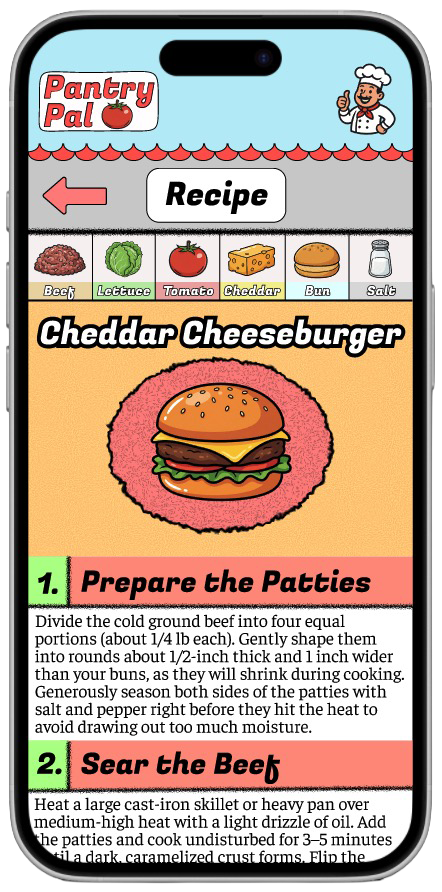
This is what it all comes down to! The final recipe is broken down into simple steps, allowing the user to successfully cook their meal.
Final Recipe
Simple is better.
Every step should make the next action obvious.
#FFD67E
#FF8D7E
#B8EDF8
I wanted PantryPal to have a fun and breezy aesthetic, making users excited to open the app on a routine basis. To accomplish this goal, I leveraged a color scheme of invitingly vibrant colors.

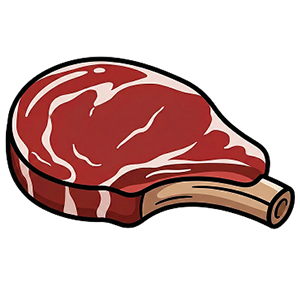


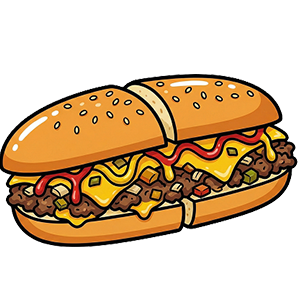

To match the fun aesthetic of the colors, I designed the illustrations to be light and animated. Users can enjoy the images without sacrificing overall clarity and understanding.
Ultimately, designing PantryPal opened my eyes to the labor and collaboration required to bring a fully functioning app to life. Starting from a blank canvas, shaping an idea, translating it into a cohesive visual language, structuring the user experience, developing the product in code, integrating an AI API, and imagining paths to release and monetization all demand significant time, coordination, and care. Throughout the process, I shared early concepts with university peers and friends, whose feedback consistently revealed blind spots and opportunities for improvement that I would not have identified on my own.
What makes software especially compelling, however, is its infinite malleability. While I am proud of the PantryPal prototypes, I see them not as finished artifacts but as evolving systems, designed to be tested, revised, and strengthened through continued iteration and real-world use.
Designing PantryPal was an illuminating experience, and it reinforced my excitement for building thoughtful digital products. I look forward to continuing to refine this work while deepening my skills as a designer and collaborator.